Walk more.Unlock yourapps.apps.
Block the apps that pull you in until you hit your step goal.
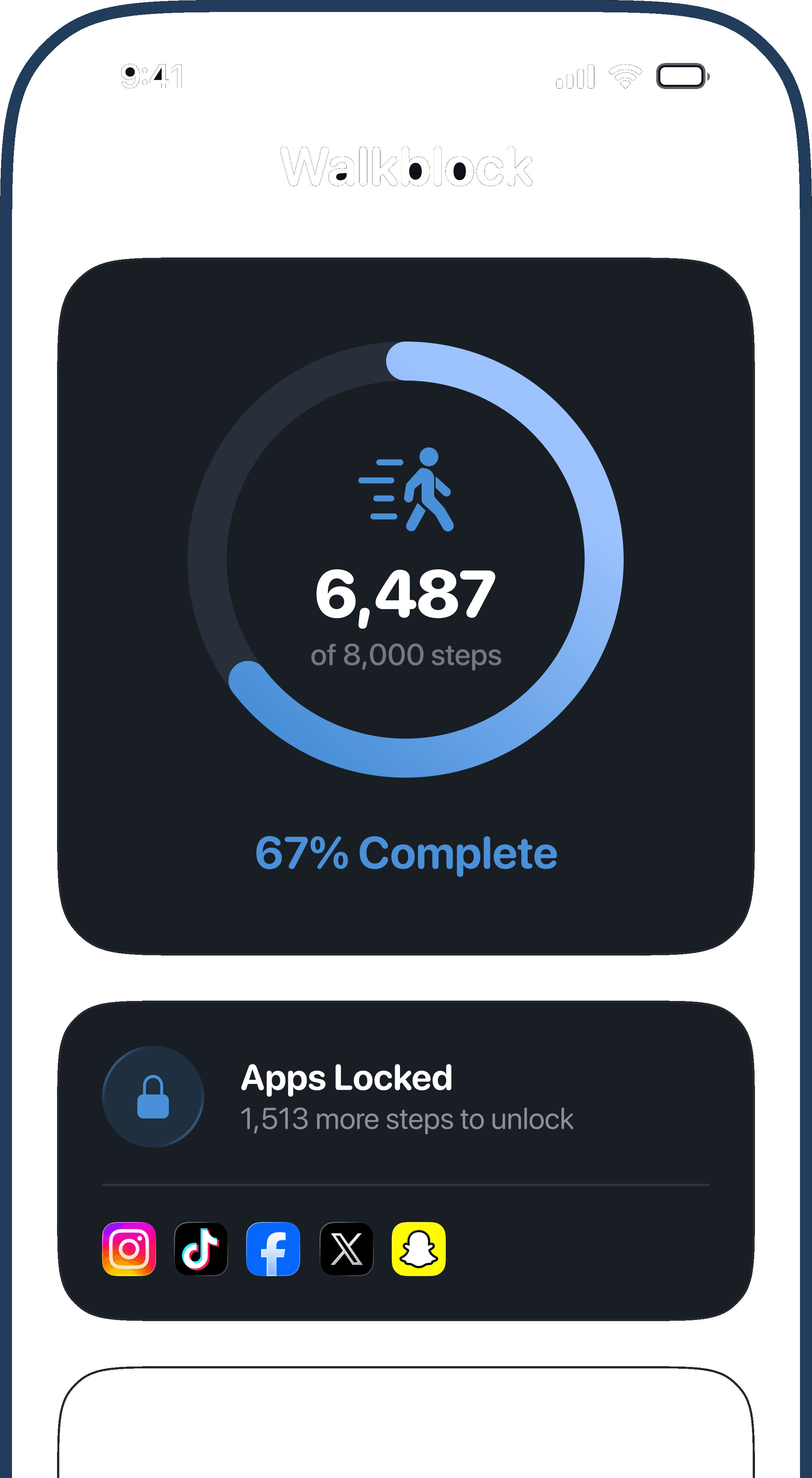


Lock whatever pulls you in
 Instagram
 TikTokYouTube
 Facebook
 XReddit
 SnapchatGamesShopping
4.8 stars on the App Store, 35 ratings
Pick what distracts you. Set a goal. Walk. Unlock. No ignore button.
Set it up once
Then it runs itself.
 01
01Pick what distracts you
Instagram, TikTok, games — whatever owns your evenings.
- 5,000 steps
- 8,000 steps
- 10,000 steps
02Set your step goal
From 3,000 to 15,000. Start where you already are.
 03
03Walk to unlock
Hit the number. The shield lifts on its own.
Block. Walk. Unlock.
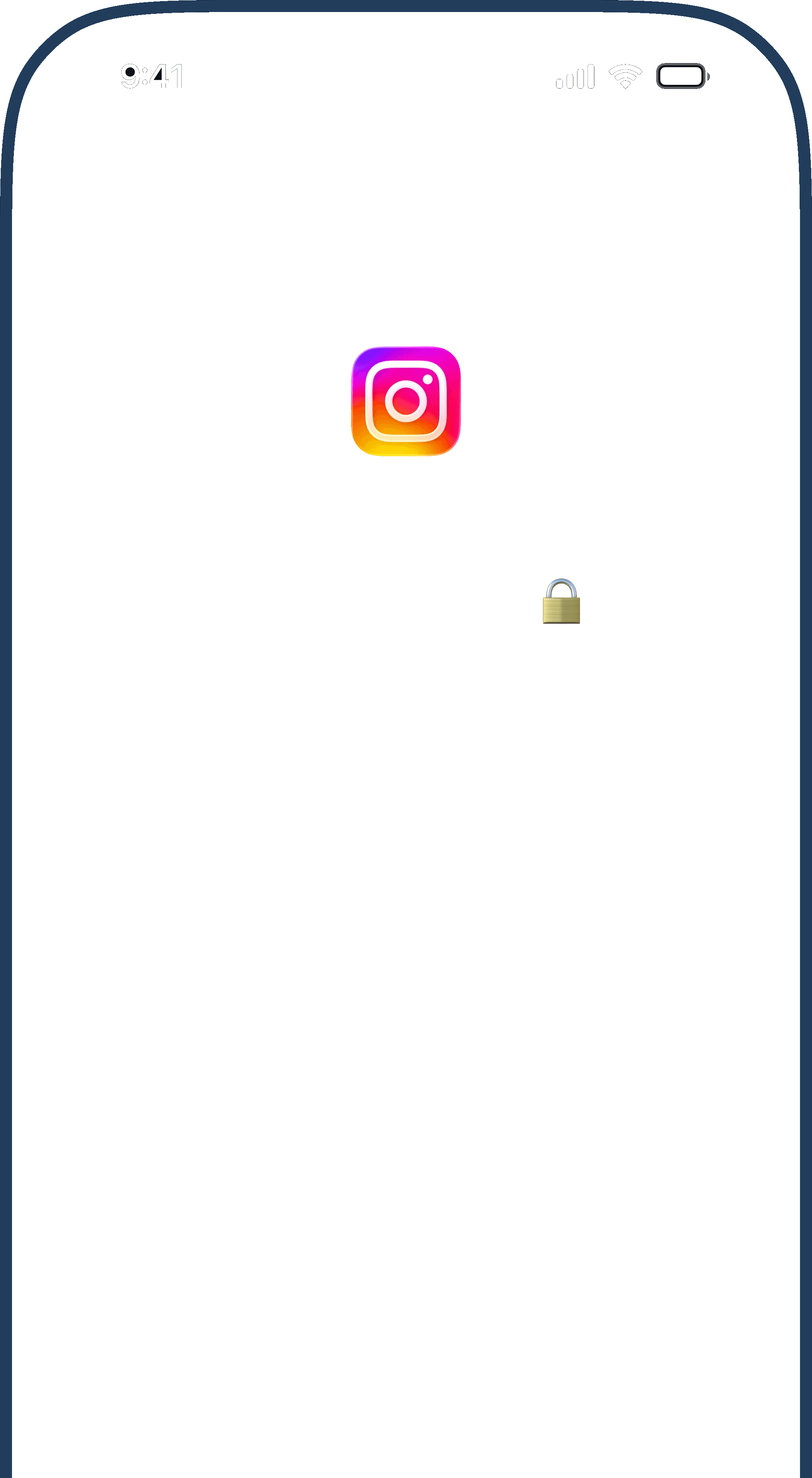
Locked until you move
Real Screen Time shields. No snooze. Steps are the only key.
Streaks worth keeping
Hit your goal. Build a streak. Watch the week stack up.
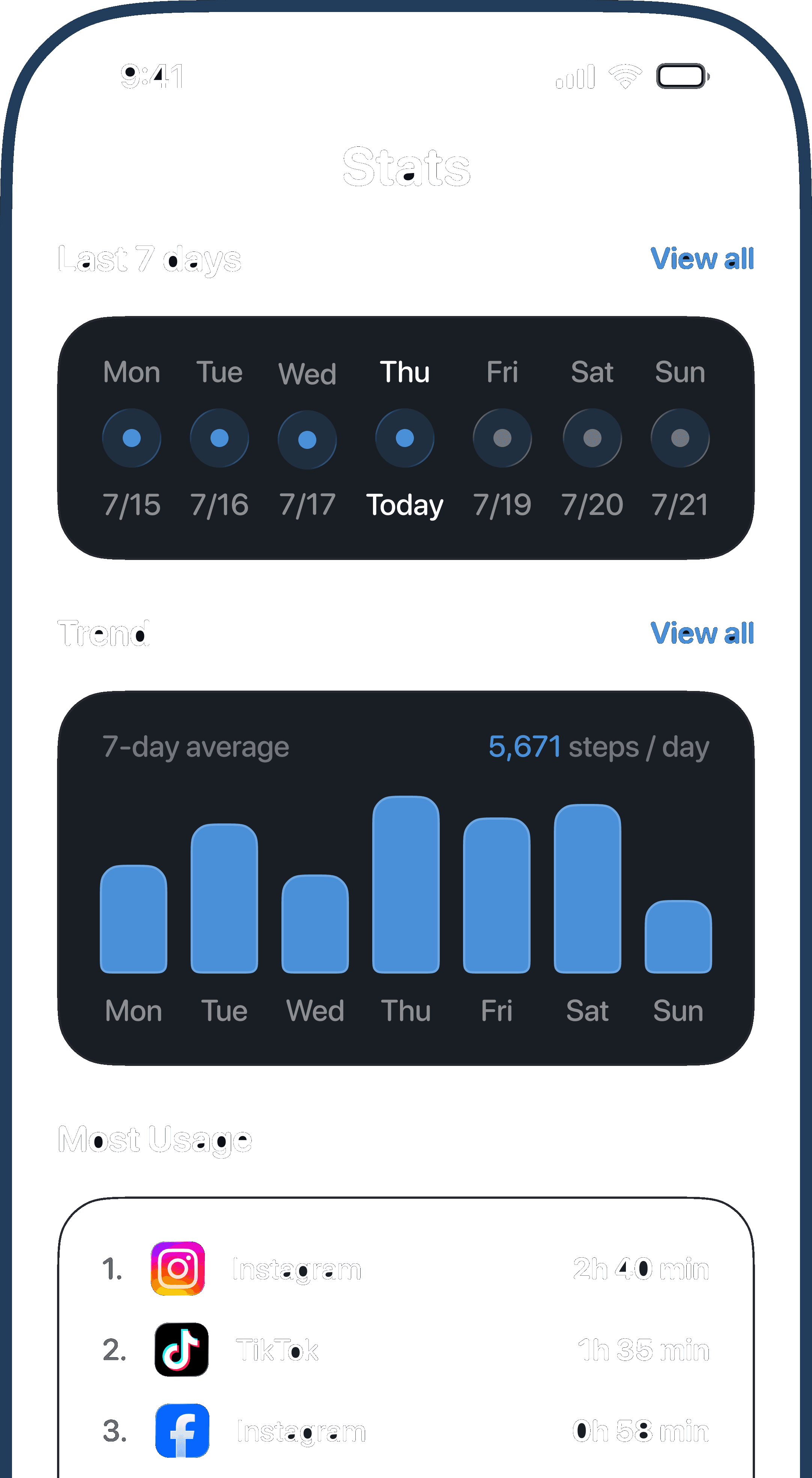
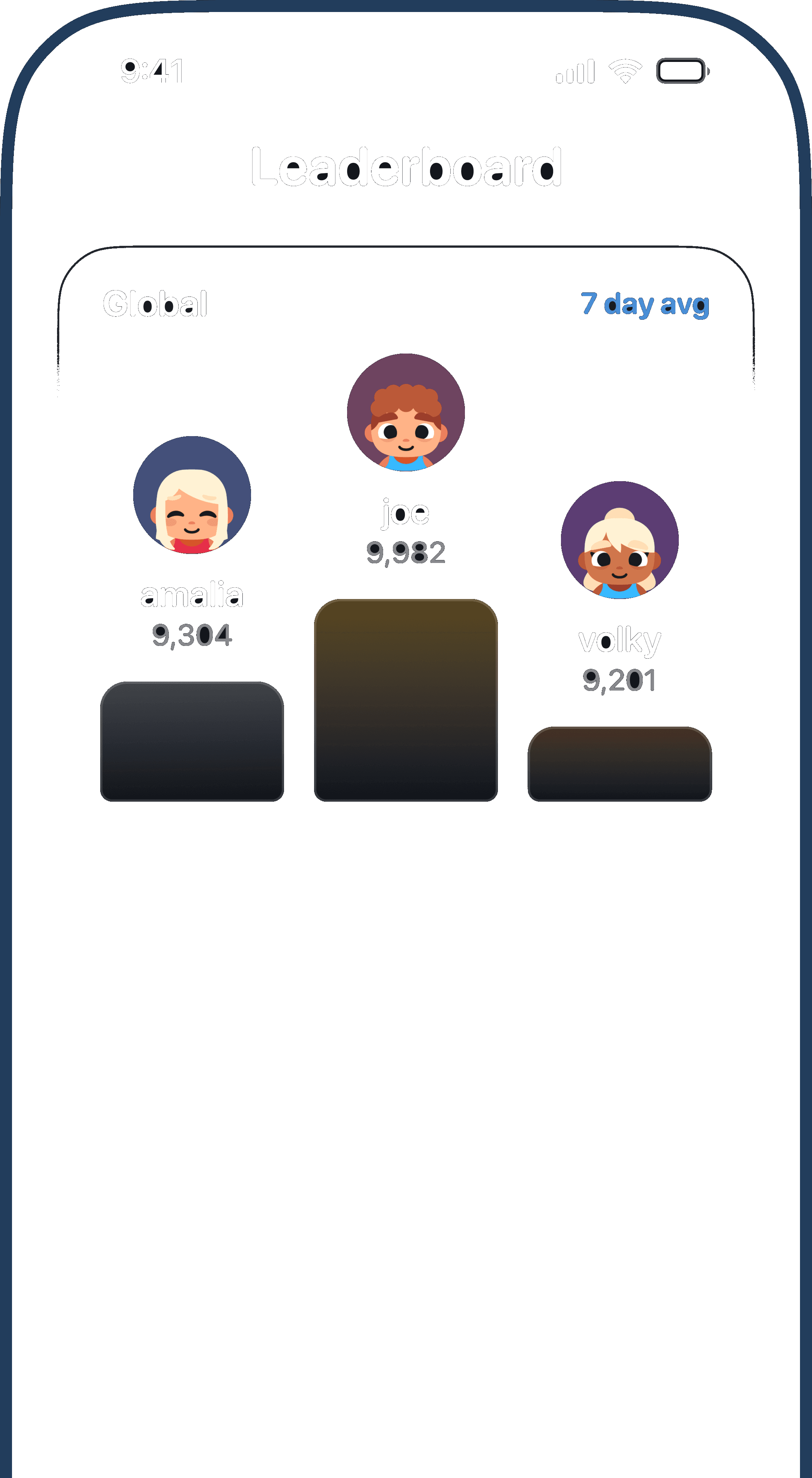
Walk it out together
Optional leaderboard. Opt in only. Compare 7-day averages.
Scroll less. Walk more.
Other blockers ask for willpower. WalkBlock asks for steps.
- App Store rating
- 4.8★
- Step
goals - 3k–15k
- Snooze buttons
- 0
Don’t just take our word for it
4.8★ on the App Store · 35 ratings
Just what I needed
Get up and move, or sit with a brick in your hand. I’m finally in control.
Couldn’t live without this
Other blockers I deleted. This one gets me walking instead.
Actually accountable
Different from other blockers — I’ve been walking more and scrolling less.
Locks shopping apps
Apps stay locked until I get my steps. The urge to shop faded with them.
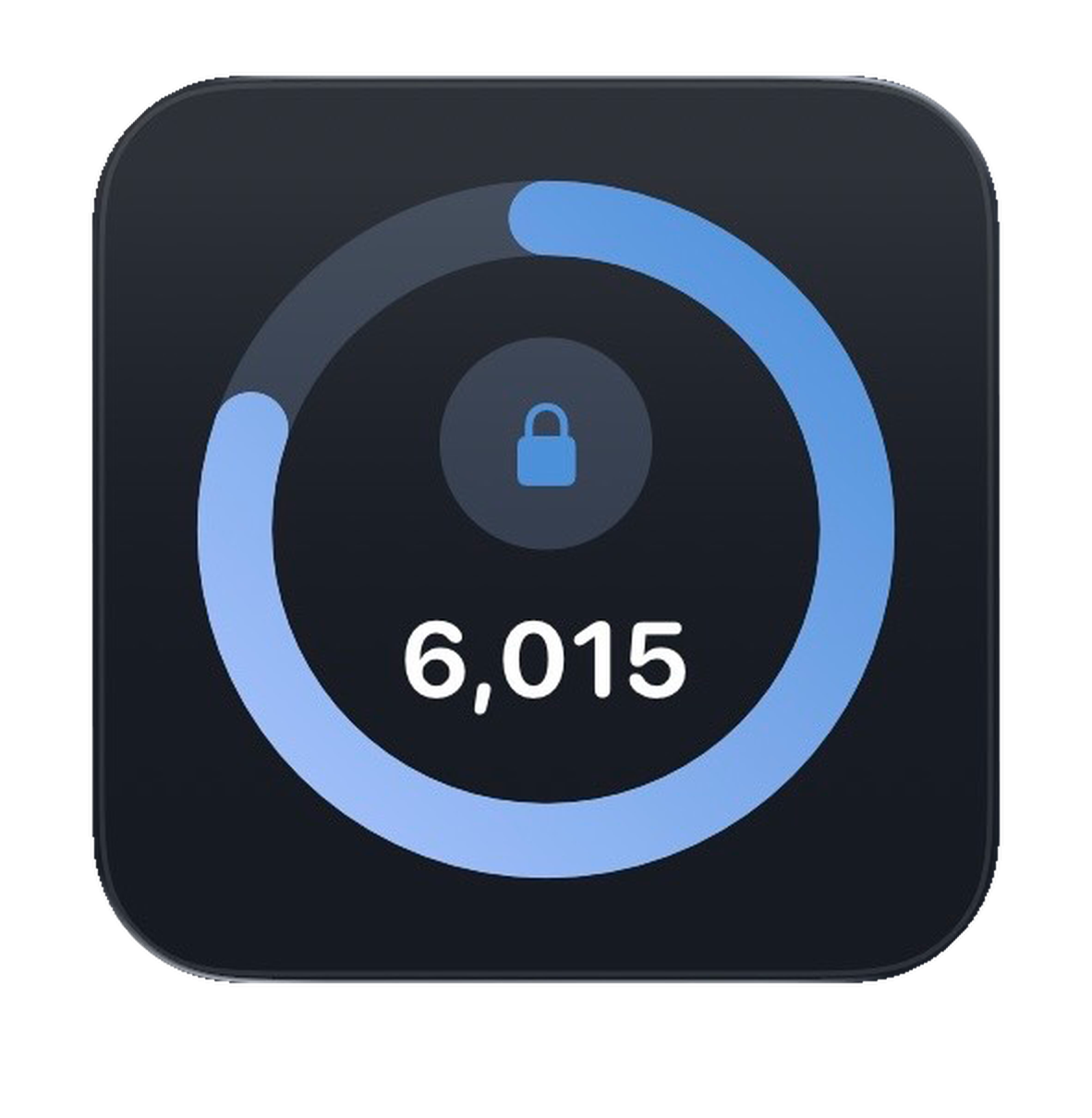
Progress at a glance
Steps left before unlock — right on your Home Screen.
Built for iPhone
Apple Health steps. Screen Time shields. Nothing to babysit.
Apple Health steps
iPhone and Watch. Read only.
Screen Time shields
Apple’s system blocking.
Home Screen widget
Steps left, at a glance.
Achievements
Badges for showing up.
Streaks & scoreboard
Last 7 days, honest.
Private by default
On your device.
How does WalkBlock work?
Choose apps to block and set a daily step goal. WalkBlock reads your steps from the Health app. Until you hit your goal, those apps stay blocked. Each new day starts fresh around midnight.
It helps to open WalkBlock now and then to check your steps. Your phone does not always update blocks in the background on its own.
How do I unlock my apps?
Hit your step goal, then open WalkBlock. That is when your apps unlock for the rest of the day.
You do not need the app open while you walk. Many people open WalkBlock a few times a day to check steps or make sure blocks and unlocks are up to date.
Should I open WalkBlock during the day?
Yes, when you can. Opening WalkBlock is the best way to check your steps and refresh blocking or unlocking. iOS does not always sync in the background right away, so a quick open after a walk or when you expect an unlock goes a long way.
What if I do not finish my steps?
Your picked apps stay blocked until you reach your goal. Tomorrow you get a new count at midnight. Open WalkBlock anytime to see where you stand.
Is my data private?
Your steps, goals, blocked apps, and in-app Screen Time summaries stay on your device. If you use Friends, only your scores and username are shared for social features. See the Privacy Policy for details.
From the blog
All posts →
Ready to earn your
screen time?
Free to download. No account needed.